How to play
- The game is played on one shared display, with each player using their phone as a controller. On your shared display, open the game hub (index page). It shows a Room ID and QR code. Pick how many players join. On each phone, scan the QR or open the link. Allow motion/orientation access when asked. If you cannot scabn the QR code on a device, just go to gyro.games and click the "Add Controller" button.
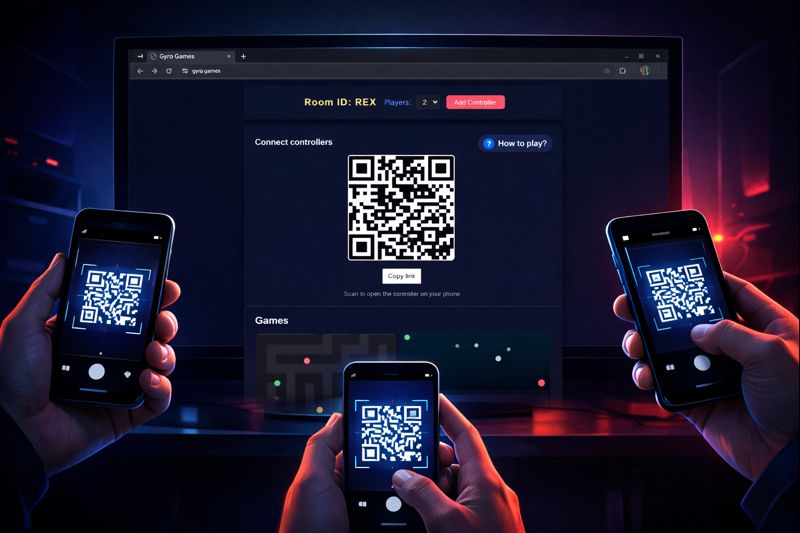
- Start to play by selecting one of the games on the index page on the shared display. Each player taps a color to claim it. Hold the phone in portrait mode (it helps to lock your screen orientation) and tilt to steer your ball/ship/character.
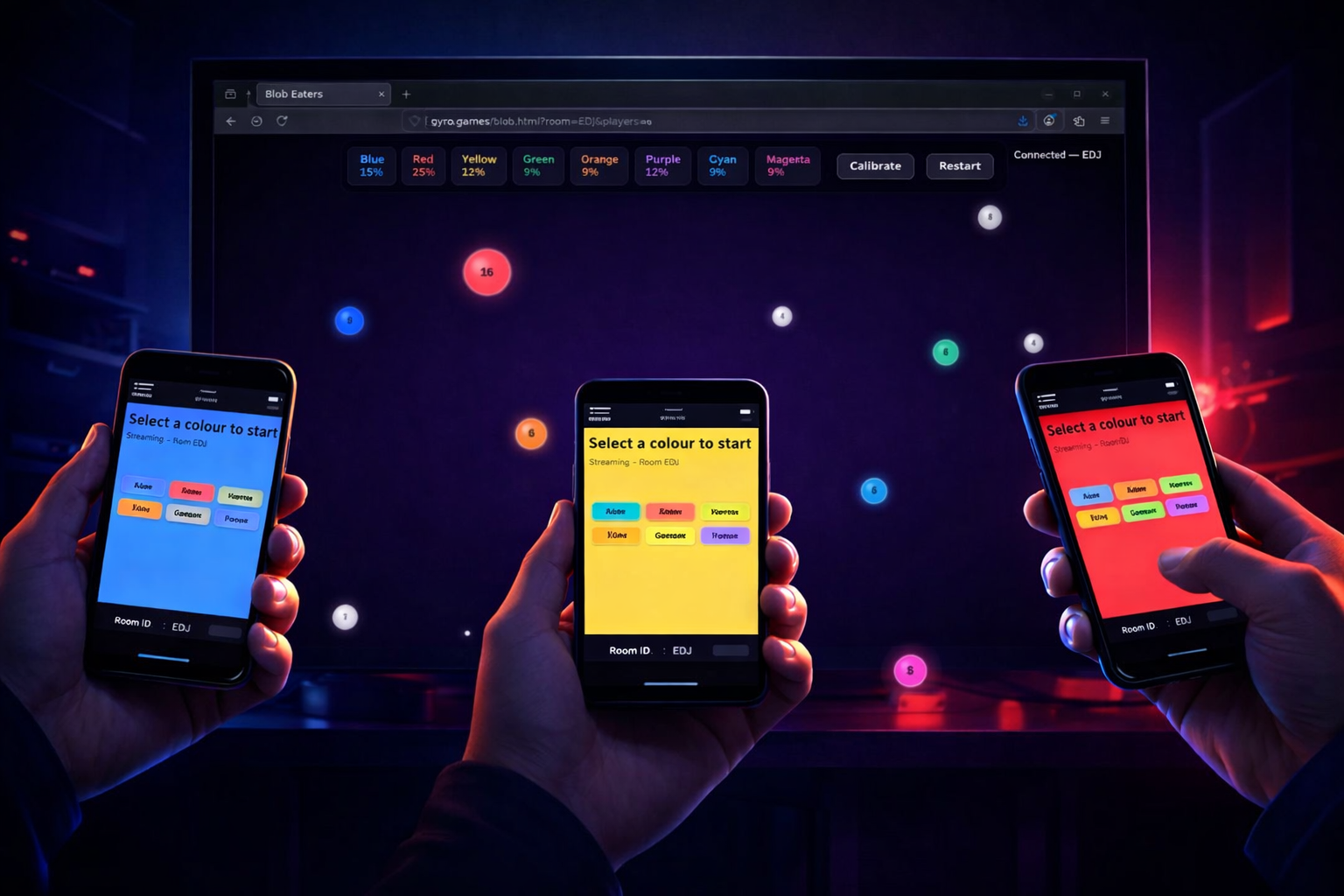
Tip: keep the phone awake; if the screen sleeps the controller stops streaming. Every session also has a unique 4-letter Room ID you can use to join a room, for that there is a text field on the controller page.
Controls
- Tilt forward/back/left/right to move. Sensitivity varies per game but the motion is always tilt-based.
- In some games you can calibrate your phones, tap it while all players hold their phone in a neutral position.
- Need to switch rooms? Reload the main page for a new Room ID and rescan the QR or type the Room ID in the text field on the controller page.